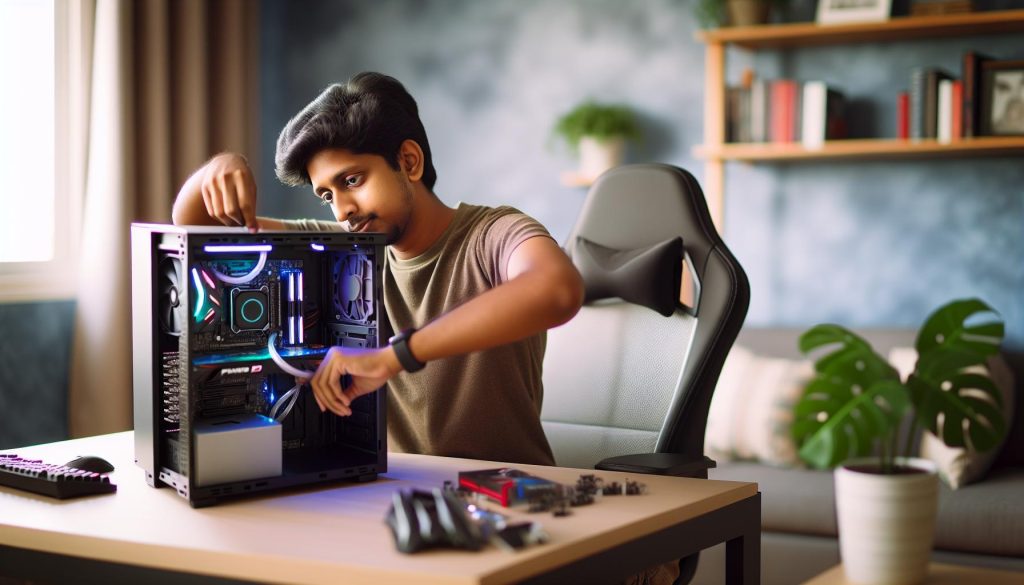
Have you ever considered adding a personal touch to your PC case while ensuring its safety and functionality? Decorating your computer can not only enhance its aesthetic appeal but also reflect your personality. However, it’s important to navigate this creative endeavor with care, as improper decorations can lead to overheating or hardware damage.
In this guide, we will explore practical tips and thoughtful techniques for safely placing decorations inside your PC case. Whether you’re a gaming enthusiast looking to showcase your favorite themes, or a DIY aficionado aiming to blend creativity with technology, our insights will help you achieve a balance between beauty and functionality. Let’s embark on this journey to create an inspiring workspace that truly feels like home, while keeping your precious components well-protected.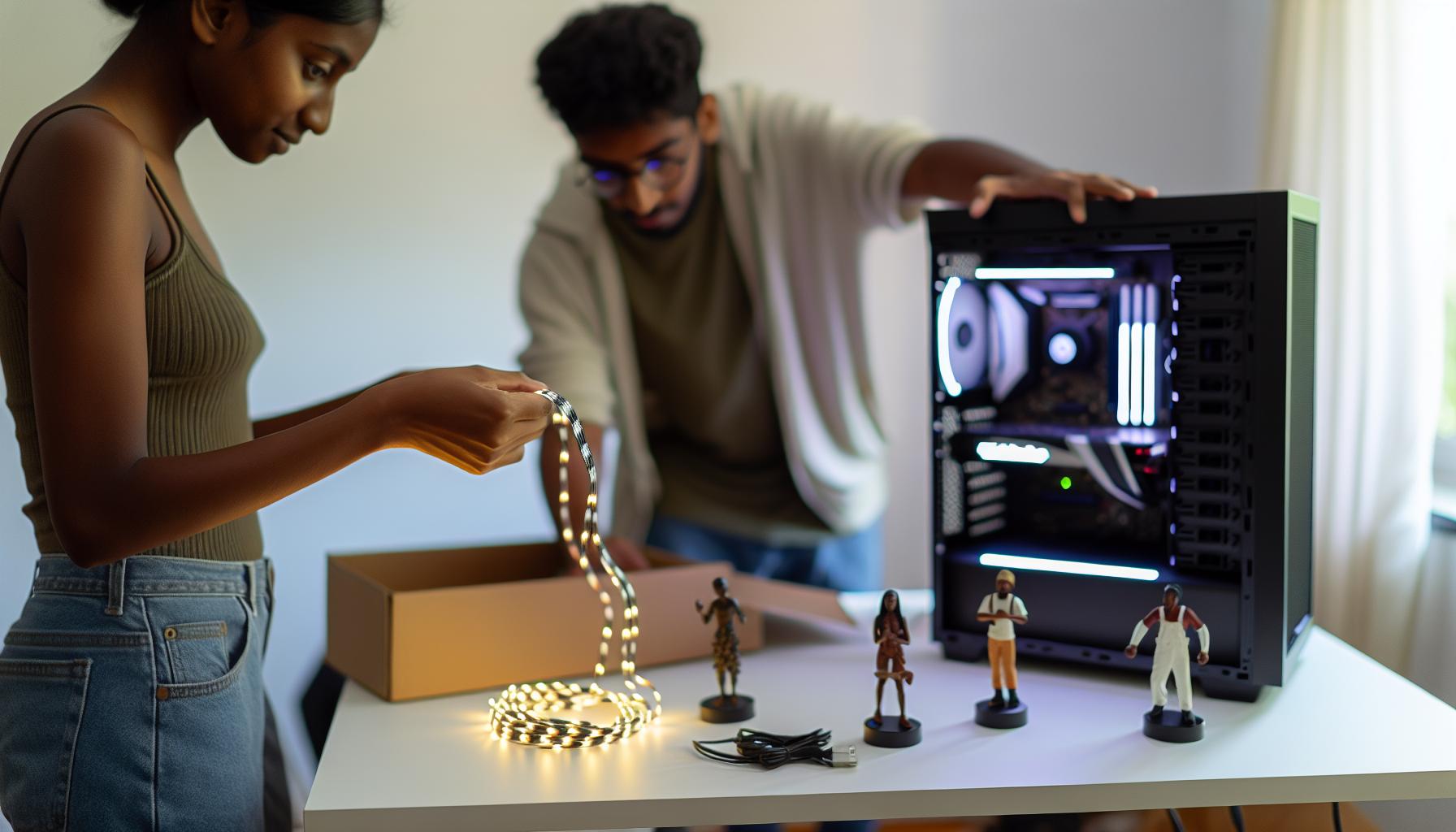
Choosing the Right Decorations for Your PC Case
While decorating your PC case can be an exciting way to express your personality, choosing the right decorations is crucial for both aesthetics and function. First and foremost, consider the materials you use. Opt for lightweight elements that won’t obstruct airflow or add unnecessary weight to your components. Items like vinyl stickers or plastic embellishments can add flair without the risk of overheating or damaging fragile parts.
When it comes to color and theme, think about how your decorations can harmonize with your existing setup. A rustic, cottage-inspired theme can incorporate earth tones and natural textures, creating a warm and inviting feel. Consider using DIY elements such as wooden panels or fabric accents that reflect your personal style while also being safe to use inside your case. Shop for decorations that are specifically designed for PC use, as they are created with appropriate materials that won’t interfere with electronics.
Lastly, ensure your decorations allow for accessibility to essential components, such as fans and drives. Leaving enough space can prevent overheating and maintain your PC’s functionality. A touch of creativity paired with thoughtful planning will help you create a beautiful, personalized space that reflects your cozy aesthetic, all while keeping your setup safe and efficient.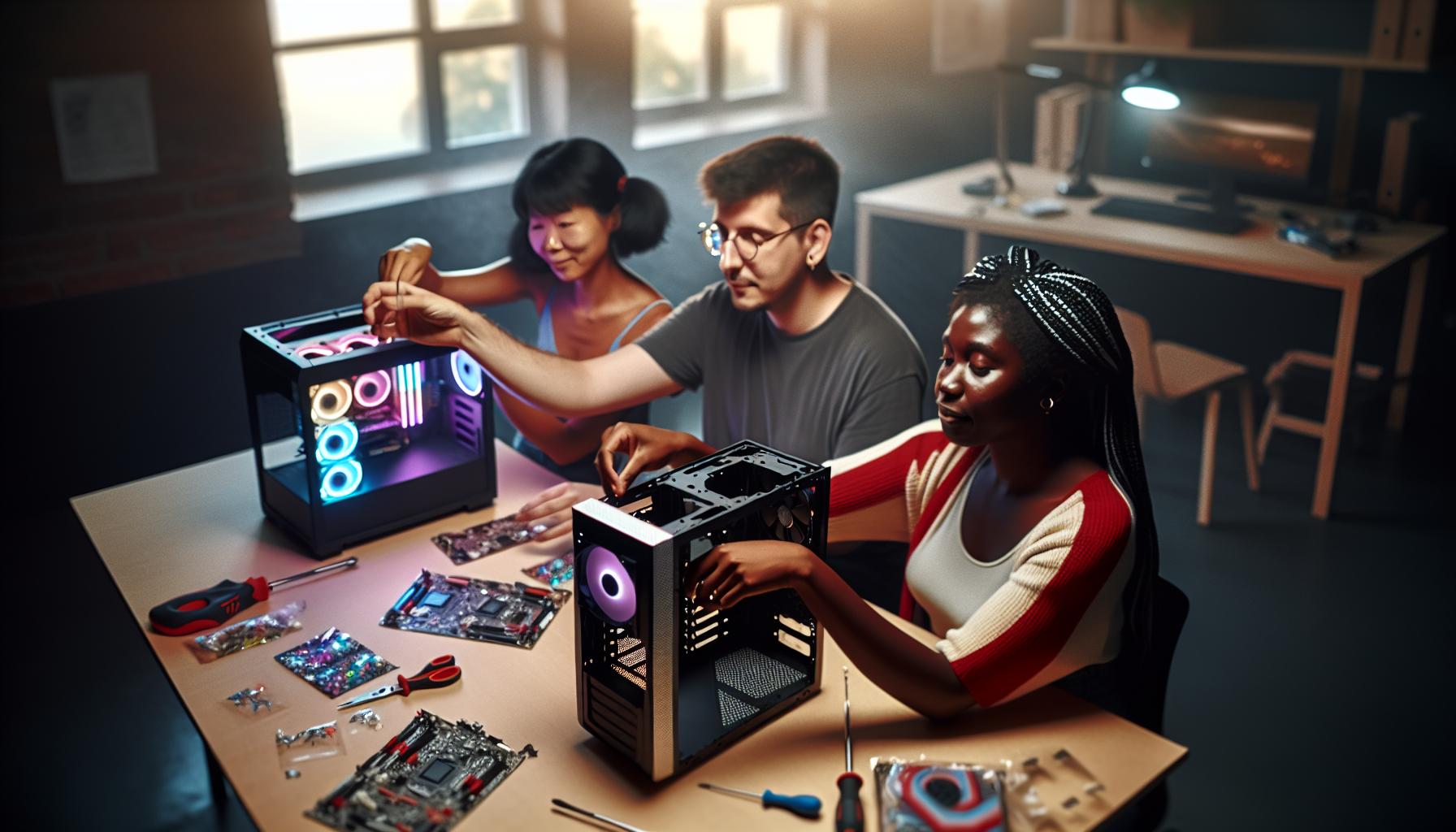
Essential Safety Tips for Decorating Your PC
Creating a cozy ambiance in your PC case requires a keen eye for both aesthetics and safety. As you embark on your decorating journey, it’s essential to prioritize aspects that safeguard your components while nurturing your individuality. Begin by understanding that the interior of your PC is not just a decorative canvas; it’s a delicate workspace where heat management and airflow play pivotal roles. Thus, your approach should be as thoughtful as curating a rustic home décor, where every element harmonizes with functionality.
When selecting decorations, aim for lightweight materials that won’t impede airflow. Avoid heavy items like metal trinkets or anything that could cover essential vents and fans. Instead, consider using breathable fabrics or lightweight plastics that can still capture the essence of your rustic theme without adding unnecessary weight. Stickers made from durable vinyl or decals that have been specifically designed for electronics can add a charming touch without jeopardizing performance.
Additionally, ensure that all decorations are non-conductive to prevent any potential electrical shorts. As you incorporate personal touches, think about their placement carefully. Avoid blocking essential components like hard drive bays, cooling systems, and circuit boards. Leaving ample space around these areas helps maintain optimal airflow, which is crucial for preventing overheating. Creating a delightful and safe decorating scheme allows not just for a display of creativity, but also for your PC to function at its best, embodying the charm of a cozy cottage while maximizing its performance.
Lastly, remember the essence of community and shared creativity in your journey. Engage with fellow PC enthusiasts who share a passion for decoration, perhaps even gathering inspiration from DIY projects. Whether you’re finding inspiration from charming farmhouse aesthetics or seasonal themes, allowing your PC case to reflect your personal style while upholding safety standards is a rewarding endeavor that blends functionality with beauty.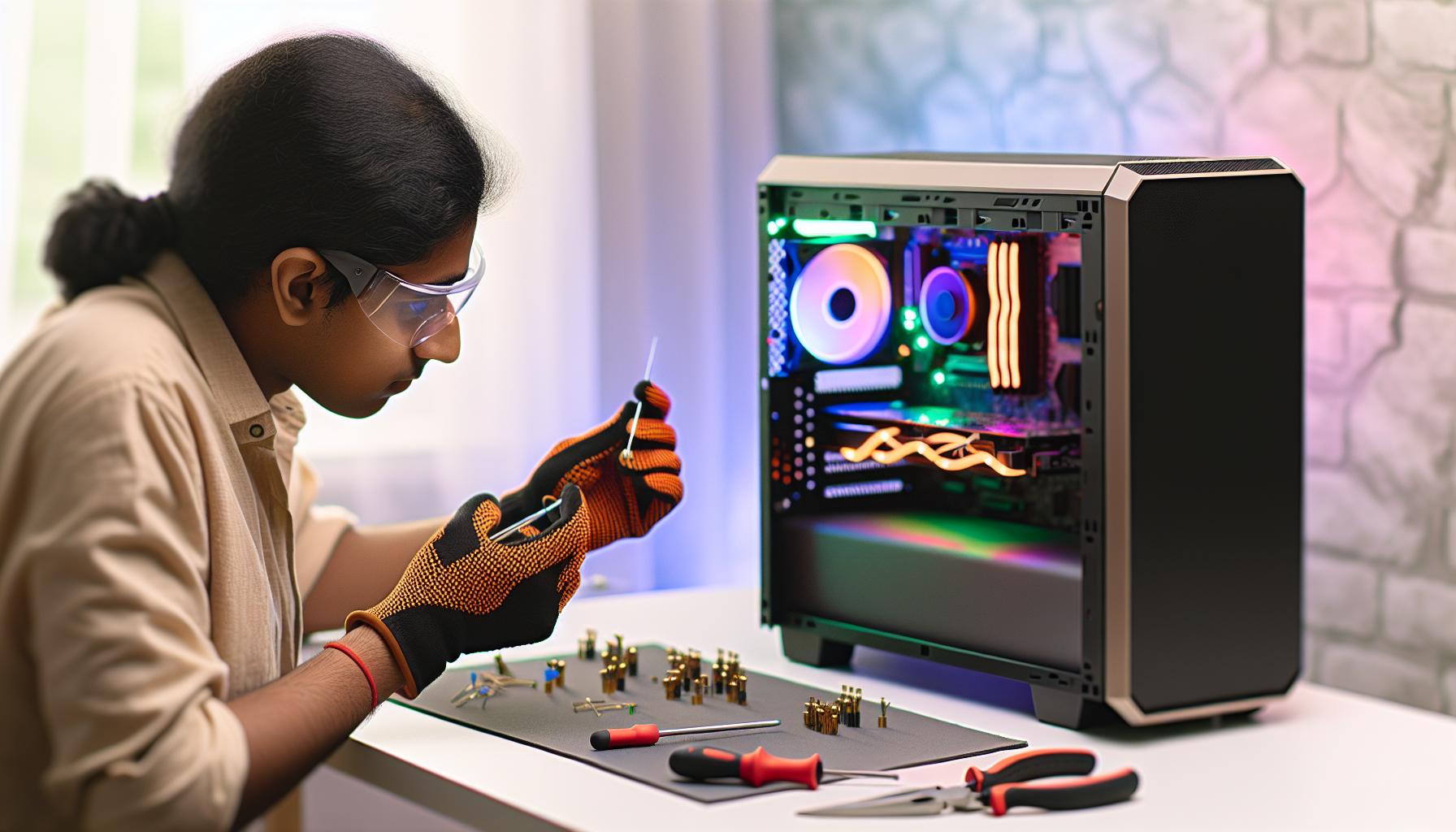
DIY Ideas: Crafting Personalized Decorations
Creating personalized decorations for your PC case can transform your technological workspace into a cozy sanctuary that reflects your unique style. Imagine a space where your gaming rig doesn’t just perform brilliantly but also serves as an expression of your creativity. From handcrafted elements to charming rustic accents, personalizing your PC case can be a delightful journey that melds aesthetics with functionality.
One charming way to start is by incorporating fabric elements. Consider using lightweight burlap or linen to create custom pouches or sleeves for your cables, which not only tidies up the interior but also adds a touch of rustic charm. You can even opt for natural-kraft paper adhered in strategic spots to house your fans, giving a warm yet professional look to your setup. Don’t hesitate to add small, non-conductive items like wooden charms or fabric flowers that can be strategically placed to bring a bit of nature indoors. Just ensure these lightweight pieces do not obstruct any airflows or cooling ports.
Another delightful approach is to use upcycled materials. You might find some treasures around your home, like old electronic parts or vintage buttons, that can be turned into quirky decorations. Crafting your own vinyl decals can also add personality-create designs that resonate with your interests, whether it’s nature imagery or whimsical patterns. To ensure safety, use non-conductive adhesives and fix them on the outer casing or the non-critical interior areas of your case, ensuring they don’t interfere with any moving parts.
Safety First! Remember that while adorning your PC case, keeping components safe and ensuring efficient airflow is paramount. Avoid heavy materials and anything that could block ventilation. Instead, aim for modular designs that allow for easy adjustments. Seasonal-themed decor, such as autumn leaves or snowflakes, can easily be swapped out throughout the year, creating a fresh ambiance that embraces the changing seasons.
As you embark on this decorative adventure, consider engaging with fellow enthusiasts in online forums or local maker communities. Collaborative projects or sharing inspiration with others can elevate your creativity and lead you to some wonderfully unique DIY ideas. Embracing these personalized touches not only enhances the beauty of your PC case but also connects your digital space to the warmth of your home, blending technology and cottage charm seamlessly.
Best Materials for Safe PC Case Decor
Creating a comfortable and inviting space through thoughtful decoration can breathe new life into your PC case, transforming it into a reflection of your personality. Opting for safe materials not only enhances the aesthetic appeal but also ensures that your computer remains efficient and functional. For your decorating projects, consider these choices that blend charm with practicality.
First and foremost, lightweight fabrics such as burlap, linen, or cotton can add a cozy touch without adding significant weight. These materials are perfect for creating small fabric pockets to manage cables or as decorative wraps around specific components. Not only do they bring a rustic vibe, but they also help in reducing the risk of static electricity, which can be damaging to electronic components. Apply them in small quantities to avoid obstruction to airflow, and secure them with non-conductive adhesives that are safe for electrical environments.
When looking for a creative twist, natural elements can serve as stunning accents. Think about incorporating non-conductive items like wooden charms, dried flowers, or even small stones. These elements can harmonize beautifully with the tech within your PC, promoting a sense of tranquility reminiscent of a cozy cottage. Ensure these additions are secured lightly and are situated away from any moving parts, maintaining the necessary airflow while adding natural allure to your setup.
Another innovative option is recycled materials. Gather vintage buttons, old electronics, or scraps from previous DIY projects-these can be crafted into unique embellishments. When working with plastics or metals, make sure the materials are lightweight and pose no risk of short-circuiting any components. Using non-toxic paints or finishes will add character to your decorations while keeping safety in mind.
Moreover, modular designs can offer flexibility in your decoration approach. Craft elements that can be easily attached or detached without permanent adhesives, allowing you to refresh your decor as seasons change. This way, you can carry forward seasonal themes-from autumn leaves in the fall to snowy motifs in winter-without compromising the safety or efficiency of your PC setup.
By selecting materials thoughtfully and ensuring they complement both the aesthetics and function of your PC case, you can create a beautifully individualized space that echoes the charm of cottage living while keeping your tech safe and sound.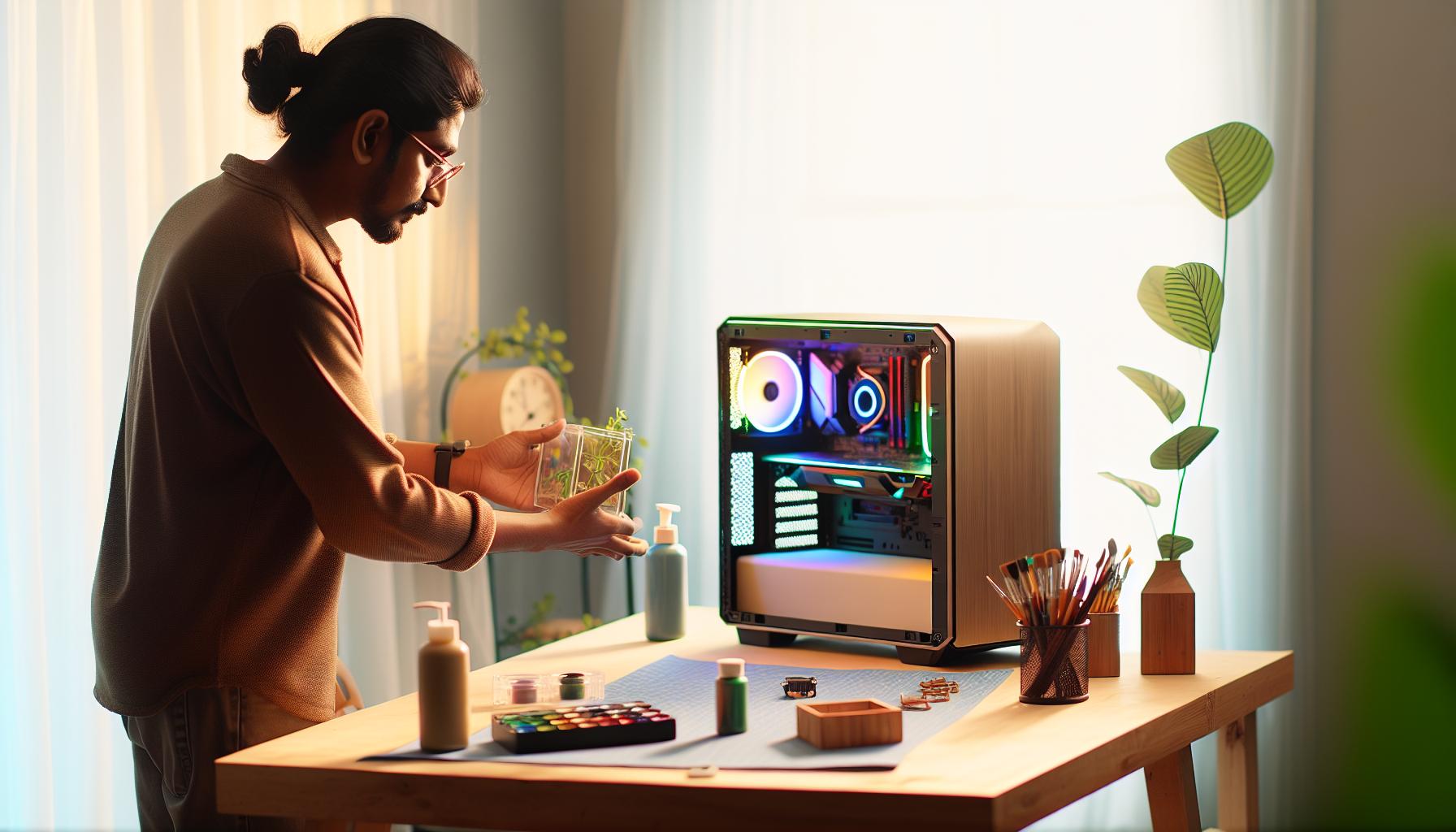
How to Avoid Overheating with Decorations
Creating a cozy nook for your tech can be both a delightful and practical endeavor, but keeping an eye on temperature is essential. Enhancing the aesthetics of your PC case shouldn’t come at the cost of overheating. In this charming quest to beautify your computer, it’s important to remember that every decorative element influences airflow and heat dissipation.
To ensure your decor doesn’t block ventilation, consider the strategic placement of any accessories. Keep decorative items clear of ventilation grates and fans. A simple approach is to emphasize vertical space; using tall, slim decorations can draw the eye upward without obstructing airflow. Additionally, ensure there’s ample space around heat-generating components like the CPU and GPU. This will allow heat to escape freely, maintaining an optimal environment for your device to function efficiently.
Another wise choice is to use materials that contribute positively to heat management. For instance, while vibrant cotton and linen are great for softening the visual edges of a PC case, materials like metal or wood can not only bring a rustic elegance but can also help in dissipating heat when positioned strategically. Wooden elements should remain fixed away from heat sources, ensuring they don’t warp or combust.
Lastly, incorporating clever lighting solutions can be a dual-purpose feature; use LED strips that emit minimal heat rather than traditional bulb options. Place these strips in cooler spots within the case to add charm while keeping temperatures in check. Think about cozy, glowing effects that evoke gentle, warm aesthetics reminiscent of a cottage by the woods, providing both beauty and functionality to your tech setup.
By embracing these practices, you not only elevate the artistic appeal of your workspace but also create a stable environment for your beloved technology to thrive. As you go about this creative journey, remember that each step toward beautifying your PC should harmonize with its needs, crafting a delightful balance of charm and performance.
Light It Up: Using LED Lighting Safely
There’s something inherently enchanting about the warm glow of LED lights, reminiscent of flickering lanterns lighting a cozy cottage after a long day. When it comes to decorating your PC case, these carefully placed lights not only add a touch of charm but can serve practical purposes when done safely. The gentle illumination can create an inviting atmosphere around your workspace while ensuring that your technology remains functional and secure.
To start, consider opting for LED strips that are low-heat and energy-efficient. These modern marvels draw minimal power while casting a soft, welcoming glow. Their versatility allows you to run them along the edges of your case or even around individual components. Ensure that any lights are placed well away from heat-sensitive areas and powerful components like the CPU or GPU; this prevents any risk of overheating. You might even position them near cooling fans-a clever tactic that complements airflow while accentuating charming colors.
For those who revel in creativity, think about incorporating color-changing LEDs. These can be adjusted with a remote control, letting you tailor the ambiance to match your mood or the season. Picture a radiant display of autumn hues as the leaves turn outside your window, or a simple blue glow that invokes the calm of a winter evening. Just remember to secure any loose wires; they can be both unsightly and a safety hazard, potentially disrupting airflow or creating tangles that could impede cooling fans.
Additionally, it’s wise to conduct regular checks on your LED installations. Ensure that connections remain firm and that no wires are fraying, which can pose fire risks. By embracing this thoughtful approach to lighting your PC, you cultivate a delightful balance of aesthetics and safety, transforming your tech space into a haven of comfort, creativity, and rustic charm.
Positioning Your Decorations: Do’s and Don’ts
When bringing your personal touch to your PC case, positioning your decorations thoughtfully is crucial to both aesthetics and functionality. Embracing the charming ethos of cottage living, where simplicity and beauty harmonize, can inspire you to create a cozy tech sanctuary. However, it’s essential to blend creativity with caution to ensure your decorations do not impede your computer’s performance or safety.
Begin with the do’s of positioning your decorations. Opt for light, non-obtrusive elements that add charm without overcrowding the internal space. Consider using removable adhesive strips or magnets to gently secure decorations to non-heat-sensitive surfaces, allowing you the freedom to rearrange or remove them without hassle. Use contrasting colors and textures to enhance visual appeal while ensuring you don’t block any ventilation areas or fans, which are vital for cooling your components. The gentle play of textures can evoke the quaintness of cottage decor, mirroring the feel of a rustic home filled with love and personal touches.
On the flip side, be mindful of what you should avoid. Refrain from placing decorations near high-heat areas or moving parts, such as fans or drives; this can lead to overheating or disruptions. It’s tempting to showcase beautiful art or intricate designs, but ensure that no items can easily fall into open spaces, risking damage to components or creating short circuits. Avoid using materials that can easily become flammable or that give off particles-your PC is a haven for technology, not a craft project!
Regular maintenance of your decorated case is also pivotal. Check periodically that decorations are still secure and clean any dust buildup that could hinder airflow. This practice reflects the dedication seen in cottage gardens where each detail is nurtured, creating a thriving and beautiful environment. By being thoughtful about the placement of your decor, you can elevate your workspace into a warm, inviting realm while confidently safeguarding your PC’s performance.
Protecting Your PC Components While Decorating
When decorating your PC case, remember that protecting the internal components is paramount. Just as a cozy cottage needs to be well-maintained to foster a nurturing environment, ensuring that your computer is safeguarded from any potential harm caused by decorations can create a harmonious workspace. Engaging in this decorative endeavor adds a personal touch but must be approached thoughtfully to avoid any risks to your valuable technology.
To begin with, focus on selecting safe, lightweight materials that won’t obstruct airflow or create any hazards. For instance, consider using decorative elements made of fabric, soft plastics, or HDPE (high-density polyethylene) which are less likely to cause issues than heavier or more rigid options. These decorations can create a rustic charm reminiscent of cottage aesthetics, from soft pastel colors to textured fabrics that evoke the warmth of home. Avoid placing anything metallic or sharp inside your case, as these can pose a risk of short-circuits or physical damage to sensitive components.
Another essential aspect is placement-ensure that nothing obstructs important components such as fans, power supplies, or heat sinks. Ventilation is key; keeping airflow unobstructed allows your PC to cool effectively, preventing overheating. A smart approach is to mount any decorative features on the side panels or front of the case, leaving the internal space clear. This way, you can enjoy the beauty of your enhancements without sacrificing the performance of your computer.
Don’t forget to regularly check that your decorations remain secure, as the vibrations from fans can sometimes dislodge elements over time. A gentle reminder to preserve the integrity of your creative work is to make routine cleaning a part of your maintenance schedule. Dust can accumulate quickly, hindering airflow and potentially harming your components; keeping your decorations clean will reflect the nurturing spirit found in cottage living-after all, a well-cared-for environment is a happy one!
Seasonal Themes: Refreshing Your PC Case Decor
Incorporating seasonal themes into your PC case decor can transform your workspace from a mere workstation into a cozy, personalized retreat that celebrates the joys of each changing season. Just as the landscapes outside our windows evolve with vibrant colors and textures, so too can your PC case reflect these transformations, becoming a canvas for creativity and expression. Embracing the spirit of cottage living, you can fill your environment with warmth and charm by crafting simple yet delightful decorations that resonate with the essence of each season.
For spring, consider embellishing your PC case with pastel fabrics and floral motifs. Soft, lightweight fabric wraps or pastel-painted wooden designs can evoke a sense of renewal and brightness. You could create a charming flower garland to drape gently across the edges of your case, using non-obtrusive adhesive that keeps the interior safe from damage. In summer, vibrant hues and playful themes can take center stage; think sunflowers or beach motifs. Brightly colored paper cut-outs are easy to swap with the seasons and can be secured outside the case, ensuring no harm to internal components while bringing joy to your workspace.
As autumn arrives, the allure of rustic decorations becomes irresistible. Imagine warm browns, rich oranges, and golden yellows gracing your PC case. You can craft small, hand-painted pumpkins from lightweight materials like foam or felt, placing them in secure areas that do not obstruct airflow or fans. Add a touch of whimsy with fallen leaf designs cut from paper or fabric that can gracefully sway in the gentle airflow created by your PC. Finally, winter invites the beauty of a snowy wonderland. Delicate snowflakes crafted from light cardstock or intricate lace can be attached to the surface of your case, reflecting the quiet magic of the season.
To ensure your seasonal decorations bring joy without compromising functionality, regularly check that they remain in place and do not impede airflow. Keep in mind that each theme can be as simple or intricate as time allows-crafted with care, these decorations can become a treasured part of your workspace, enhancing productivity while fostering a cozy atmosphere inspired by the charm of cottage living. Celebrate the changing seasons boldly and creatively, transforming your workspace into a seasonal sanctuary that reflects the simple joys of life and the beauty found in nature.
Community Spotlight: Unique DIY PC Decorations
In the vibrant world of DIY decorations for PC cases, creativity knows no bounds, especially for those wishing to infuse their systems with unique charm and personality. Enthusiasts from various corners of the community have transformed their PC setups into delightful expressions of their interests and aesthetics, making each workspace not just functional, but also a reflection of the individual’s spirit. From hand-painted figurines to intricate paper crafts, the examples are as diverse as the makers themselves.
One enchanting trend is the use of miniature gardens within PC cases, reminiscent of cozy cottage living. Creators often use lighter materials like moss, small succulents, and delicate fairy lights, which provide a whimsical atmosphere without obstructing airflow. These gardens can be elegantly placed on shelves or compartments within the case, offering a natural touch that adds both serenity and beauty. Here’s a simple way to recreate this idea:
- Gather lightweight materials: Choose small faux plants, moss, and decorative stones.
- Arrange with care: Create a small scene that doesn’t interfere with cooling fans or components.
- Add ambient lighting: Integrate battery-operated fairy lights to add a magical glow, bringing your mini-garden to life.
Another inspiring method involves utilizing upcycled materials to create gorgeous decorations that contribute to a sustainable lifestyle. From repurposed vintage elements like old clock gears or antique buttons to crafting decorations that resonate with nature-like leaves or wooden pieces-these projects honor rustic charm while ensuring safety within your PC environment. These decorations can be secured with non-aggressive adhesives or small clips, ensuring that style does not come at the expense of functionality.
It’s essential to consider both aesthetic appeal and the practical implications of your designs. Many in the community suggest regularly reviewing your decorations to ensure they remain securely in place and do not obstruct cooling systems. Sharing ideas and experiences through community platforms can provide endless inspiration, as seeing other enthusiasts’ creations often sparks new ideas for your own projects.
Engagement in this community, whether through forums, social media, or dedicated DIY events, fosters a spirit of collaboration and sharing. As you explore and create your unique PC decorations, remember that each piece is a representation of your journey and a heartfelt expression of your love for creativity. Celebrate the simple joys of crafting by making your PC case a true reflection of your personality and a cozy corner in your home.
Maintaining and Cleaning Your Decorated PC Case
A beautifully decorated PC case can be a wonderful expression of your creativity, but it’s essential to maintain it not only for aesthetics but also for optimal performance. A thorough cleaning routine is vital to ensure that your components remain dust-free and functional while preserving the charms of your handcrafted surroundings. Dust bunnies can infiltrate even the coziest setups, so let’s explore some practical and delightful maintenance tips to keep your decorated PC looking fresh and enchanting.
Start by regularly inspecting your decorations for loose elements that could interfere with airflow. Dust can accumulate on both the decorative items and the internal components of your PC, leading to overheating and performance issues. By using a gentle brush or a can of compressed air, you can carefully remove dust from around your decorations and inside the case. Make it a ritual-just like tending to a garden-for a wholesome experience that celebrates the upkeep of your workspace. Here’s how to do it effectively:
- Remove decorations as needed: If your decorations can be easily taken out, do so to clean the areas around them.
- Use soft tools: A microfiber cloth or a soft-bristled brush is perfect for delicate surfaces without risking scratches.
- Avoid excess moisture: Use dry cleaning methods instead of liquids, which can damage your components.
- Schedule regular cleanings: Incorporate your cleaning routine into your seasonal decor changes to keep everything tidy.
Incorporating airflow considerations in your maintenance routine ensures that your PC remains healthy. When decorating, be mindful of the placement of your components-leaving ample space for airflow not only enhances cooling but also reduces dust accumulation. Position decorative items away from fans and vents, creating a harmonious balance between beauty and functionality. If you notice that your decorations obstruct airflow, consider rearranging them for better performance, infusing a new look into your beloved setup.
To foster a sense of community and creativity in your maintenance journey, share tips and experiences with fellow enthusiasts. They might offer unique suggestions from their own home decor adventures that could enhance your cleaning routine or inspire new decorating ideas. Engaging with others in DIY groups or forums can help cultivate a spirit of collaboration while keeping your workspace cozy, inviting, and reflective of your personality.
In conclusion, can be a delightful integration of care and creativity. Embrace the spirit of cottage living in this endeavor-treat it like nurturing a cherished garden, where every detail is a testament to your love for both craftsmanship and functionality. Let your PC case shine brightly, showcasing your artistic flair while ensuring that it operates smoothly in all its charming glory.
Faq
Q: What materials are safe to use for decorating my PC case?
A: Safe materials for decorating your PC case include lightweight plastics, paper, and fabric that do not conduct electricity. Avoid materials that can generate heat, like metals, or items that could obstruct airflow. For more ideas, check “Best Materials for Safe PC Case Decor.”
Q: How can I prevent overheating when decorating my PC case?
A: To prevent overheating, ensure decorations do not block airflow from fans or vents. Use LED lights that stay cool and periodically check internal temperatures to ensure components are functioning well. For more details, see “How to Avoid Overheating with Decorations.”
Q: Can I position decorations directly on top of my PC components?
A: No, you should avoid placing decorations directly on top of PC components, as this can disrupt airflow and potentially lead to overheating. Always allow space for airflow and refer to “Positioning Your Decorations: Do’s and Don’ts” for best practices.
Q: What are some DIY decoration ideas for my PC case?
A: DIY ideas for your PC case include custom paint jobs, vinyl skins, and themed figures. You can also create unique LED arrangements and personalized graphics. Explore “DIY Ideas: Crafting Personalized Decorations” for inspiration.
Q: How often should I clean my decorated PC case?
A: Clean your decorated PC case every few months to prevent dust buildup, especially around decorations and ventilation areas. Use compressed air for internal components and a microfiber cloth for external surfaces. Learn more in “Maintaining and Cleaning Your Decorated PC Case.”
Q: What should I consider before adding lights to my PC case?
A: Before adding lights, choose LED strips that emit low heat and fit well within your case without obstructing any fans. Ensure they’re securely attached and check for any power source compatibility. Review “Light It Up: Using LED Lighting Safely” for tips.
Q: Why is it important to protect my PC components while decorating?
A: Protecting your PC components is crucial to avoid damage from heat, dust, or accidental contact with decorations. Use non-conductive materials and ensure nothing blocks essential cooling paths. More information is found in “Protecting Your PC Components While Decorating.”
Q: How can I refresh my PC case decorations for seasonal themes?
A: To refresh your PC for seasonal themes, consider swapping out decorations, such as changing color schemes or adding festive elements like small figurines or themed LED lights. For more seasonal inspiration, refer to “Seasonal Themes: Refreshing Your PC Case Decor.”
The Conclusion
Now that you’ve learned how to safely put decorations inside your PC case, it’s time to unleash your creativity and make your setup uniquely yours! Remember, the right decorative touches not only enhance the aesthetics of your space but also reflect your personality. Don’t hesitate-dive into your next DIY project today and transform your gaming or working environment into a cozy haven.
For more inspiration, check out our articles on creating stunning cable management solutions and optimizing your workspace with rustic decor. If you have any questions or ideas to share, we’d love to hear from you in the comments below! And, if you haven’t already, subscribe to our newsletter for exclusive tips and tricks on DIY decor and cozy cottage living. Your journey to a beautifully customized and functional PC space starts now-embrace the process and enjoy every moment!